
What It Does
How It Works

Four modules, each focused on a specific part of site operations. Together they show you where a project is going well, where it is not, plus what that means for the next one, building a record that is locked, sealed and independently verifiable, not just captured.
Where SiteVector Fits
A project runs for months. The record has to run with it, and still be there when someone asks about a single day, long afterwards.
Where SiteVector fits, in short
- It records the day as it happens, from mobilisation to practical completion.
- Each day locks and seals at the end of the day, and anyone can verify it.
- Months later, when a payment schedule or a claim needs every reason set out, the record is already there.
- Same structure on every project, feeding the systems you already run.
Vector
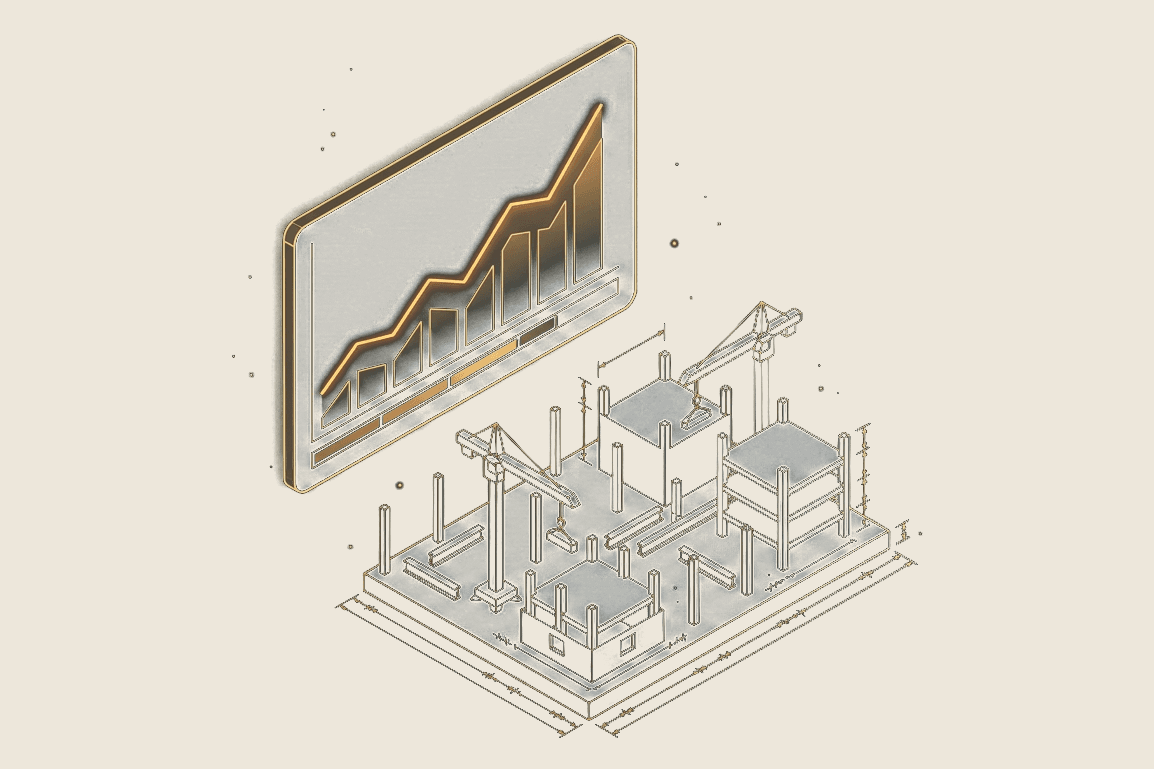
Programme health, tracked daily.
Most programme updates happen only when someone finds time to pull them together. Vector records buffer, progress and zone status every day as a by-product of normal site activity, no separate update required. The same zone definitions apply on every project, so the picture is consistent whether you are in week 3 or week 30.
Flow
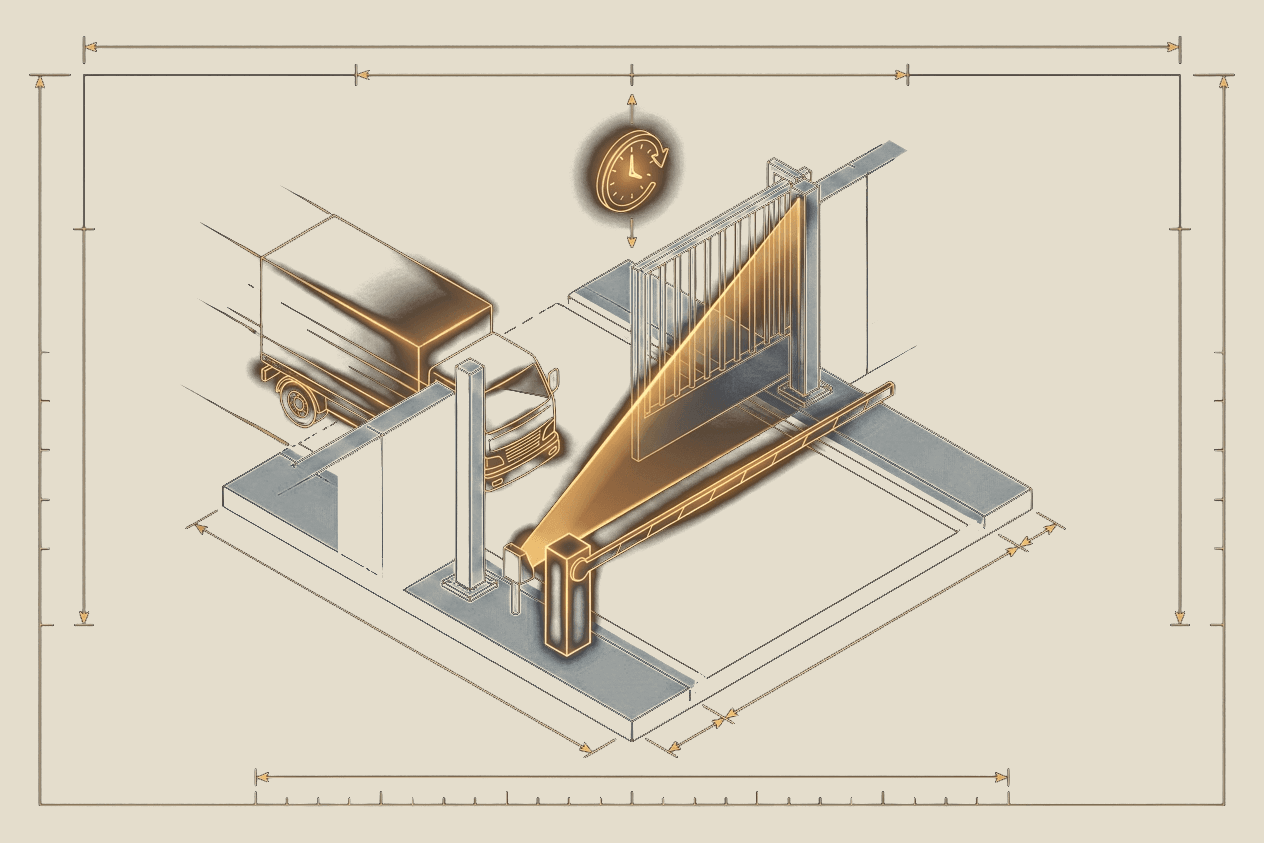
Every delivery, from gate to gone.
Late deliveries hold up trades. Trades hold up the programme. Flow logs every arrival at the gate, tracks turnaround time and flags anything that causes a problem. Every delivery carries a reference number from the procurement schedule through to departure, so supplier performance is comparable job to job.
No app to download for delivery drivers or gate operators. SiteVector runs entirely in a mobile browser.
Commit
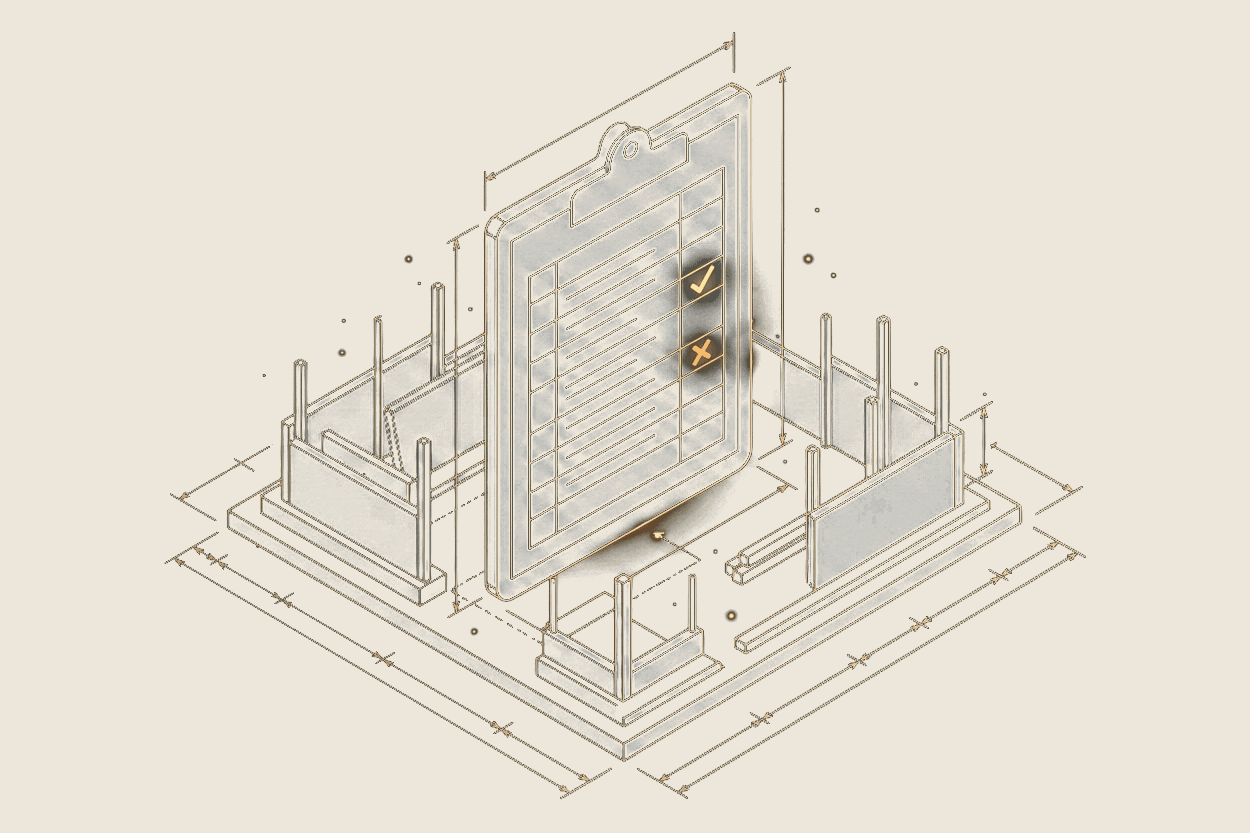
What got done today. And what didn't.
Ask anyone on site why work did not get done and they will tell you. Ask how often that reason comes up and nobody knows. Every commitment is logged against a trade, a category and a person. Anything not completed carries a reason picked from a fixed list rather than typed as a sentence. That constraint is the point. Free text cannot be counted. A fixed list can, so a recurring design problem or a material supply issue becomes visible over weeks instead of staying anecdotal.
Vault
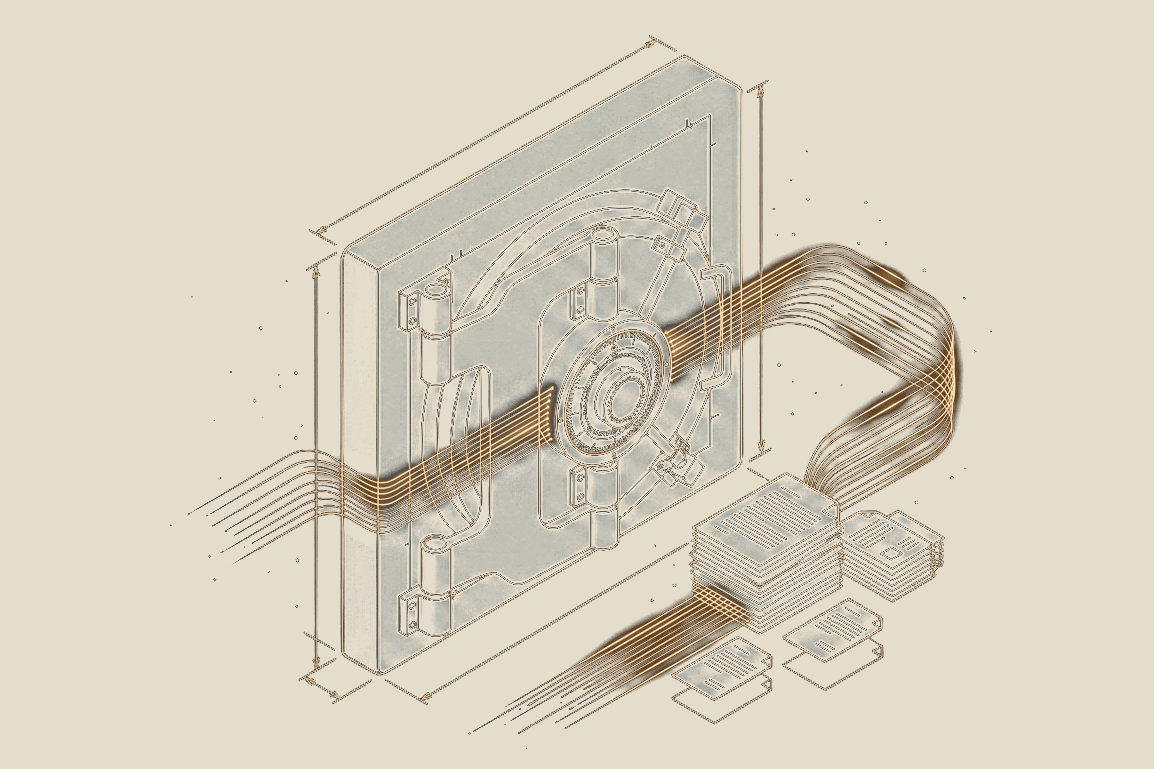
Where the day's entries become the report.
Most reporting is assembled on a Thursday afternoon from phone calls and memory. Vault builds the shift diary from what the team entered that day. The weekly reports, amendment histories, subcontractor records and supplier performance come from the same source. Nobody sits down to compile it. Vault is where four modules of daily activity become one picture of the whole project.
A Data Feeder, Not Another System To Manage.
SiteVector is not trying to replace the software already running your projects, your finances or your claims. It captures what is actually happening on site, seals it the same day. Copy a day straight into the system you already use, or export the full record to Excel, Word or PDF.
What SiteVector Does
- ✓Captures deliveries, task outcomes and programme health as the day happens
- ✓Locks and cryptographically seals every day, automatically
- ✓Applies the same structure to every project, so records compare cleanly
- ✓Exports the full record, any time, in the format you need
What SiteVector Doesn't Do
- —Replace your project scheduling or programme management software
- —Run your payroll, procurement or accounts
- —Lock your data in behind a required integration
- —Ask your site team to learn a second, heavier system
On Site
Deliveries, tasks and programme health, captured in seconds as they happen.
Sealed Record
Locked and cryptographically sealed at the end of every day.
Everywhere Else
Exported into your PM software, ERP or claims process, in the format you need.
SiteVector sits at the site level. It is not trying to become your PM software, your ERP or your claims system, it makes sure all of them are working from the same true record.

A record made on the day, and provably unchanged since.
A delivery timestamp or a reason logged against a blocked task is useful the day it is created. It becomes critical months later, when a variation is disputed, an EOT is assessed or a Security of Payment claim is tested. SiteVector is built around the idea that the day matters more than anyone's recollection of the day, so every record is locked, sealed and built to prove it has not been quietly rewritten.
When a subcontractor disputes a delay or a principal raises liquidated damages, the causal chain is already documented, before anyone needs it.
Sealed at the end of every day
When a day is locked, SiteVector generates a cryptographic fingerprint over a fixed set of the day's fields, including its deliveries and tasks. Change a single detail afterwards and the fingerprint no longer matches, so a Day Record cannot be quietly edited after the fact.
Verifiable by anyone, nothing to log into
Every sealed Day Record carries its own QR code. Scan it and anyone, a contract administrator, an adjudicator, an opposing expert, can confirm in seconds that the record still matches what was sealed, with no SiteVector account required.
Never left open overnight
A day nobody remembers to lock manually still locks itself, automatically, overnight. There is no window where a record sits open and unsealed, waiting to be reshaped after the fact.
Photographs are part of the record
A photo taken on site carries its own capture time and is sealed into that day's record like everything else, not stored as a separate file that could be swapped out or dated differently later.
Dockets and paperwork sit with the record
Delivery dockets, manifests, sign-off sheets and any other paperwork attach to the delivery or task they belong to, rather than living in a photo roll or an inbox. A fingerprint of each file is carried into that day's seal, so the attachment is part of the sealed record instead of a loose file sitting alongside it.
Changes after lock are never invisible
A locked day can still be corrected when it genuinely needs to be. Every unlock is logged. Who did it, when and the reason given. Nothing happens quietly after the seal.
The same reason codes, on every project
Reason categories are standardised and cannot be customised away. That is deliberate. It is what makes a Day Record from one project comparable to a Day Record from another. It also keeps the evidentiary language consistent across an entire portfolio.
No login required. Scan or paste a fingerprint from any sealed Day Record.
Questions
What does SiteVector do?
Construction sites lose time in small increments that nobody writes down. By the time the pattern matters the detail has gone. SiteVector records what happens as it happens, including deliveries at the gate, daily task outcomes with a reason selected whenever something is not completed, photographs, notes and weather. At the end of each day the record locks and is cryptographically sealed, producing a Day Record that anyone can verify.
How is a Day Record sealed?
When a day is locked, SiteVector computes a SHA-256 fingerprint over a fixed set of the day's fields, including its deliveries, its tasks and the fingerprint of each document attached to them. Changing any of these afterwards produces a different fingerprint, so a sealed day cannot be quietly edited after the fact.
Can anyone verify a SiteVector record?
Yes. Every sealed Day Record carries a QR code. Scanning it confirms whether the record still matches what was sealed. No SiteVector account is required and no access to the project is granted, so a contract administrator, an adjudicator or an opposing expert can check it independently.
Does SiteVector replace our project management software?
No. You do not need to change the way your company manages projects to use it. SiteVector is not a programme tool, a cost system or a document register. It does not replace Procore, Aconex, Jobpac, Cheops, Primavera P6 or Microsoft Project. It sits underneath, records the ground level detail those systems were never designed to capture, then gives it back structured so it can go into whatever you already run.
What happens if a locked day needs to be changed?
The day is unlocked, amended and relocked. Every unlock, amendment and reseal is permanently recorded. The history is visible rather than hidden, so a corrected record shows that it was corrected, by whom and when.
Does SiteVector work without mobile signal?
Yes, for the actions most likely to happen out of coverage. With Flow or Commit open, delivery arrival, unload, departure and task outcome are held on the device and sent as soon as the connection returns, with conflicts surfaced for a person to resolve instead of merged automatically. Anything still waiting to be sent stays visible in the app until it lands, so nothing disappears quietly. Opening the app or moving between pages needs a connection.
Who uses SiteVector on site?
Nobody on the list is doing data entry, which is the test the product has to pass. If capturing the record costs the site team real time it will not get captured. Deliveries are logged at the gate in a few taps by whoever is there. Gate staff can be given a Flow Only seat through a join code. Because it runs in a mobile browser there is nothing to install. Contract administrators and project managers use the resulting record rather than creating it.
Ready to see it in action?
Get in touch and we will show you everything SiteVector does in 15 minutes, with time for questions.